


Running an Artificial Intelligence (AI) infrastructure on premise has major challenges like high capex and requires internal expertise. It can provide a lot of benefits for organisations that want to establish an AI strategy. The solution outlined in this post illustrates the power and the utility of Juju, a charmed Operator Lifecycle Man

Welcome back to our series on MAAS CLI operations. In our previous post, we learned how to acquire and deploy machines using the MAAS CLI. It was also evident that the JSON output from the allocate and deploy commands was very lengthy for even one machine — so you can imagine how large a list

Canonical is happy to announce that MAAS 2.9 is now available. We’ll get to the details of installing it in just a moment, but first, let’s walk through a brief overview of the new features and fixes. Later on in this post, we’ll cover some of these features in much more detail. New features &

Continuing in our series on CLI-only MAAS operation, it’s time to deploy machines. In the previous post, we reached the point of creating and commissioning machines, using only the MAAS CLI. Moving forward, there are two key steps: acquiring machines, and then deploying them. Let’s take a look Acquiring a machine using the CLI When

The whole point of MAAS configuration is to get machines deployed. If you read the previous post in this series, you know how to install MAAS and do basic configuration using only the MAAS Command-Line Interface (CLI). So far, so good, but now we need to enable networking and create some machines. Enabling DHCP The
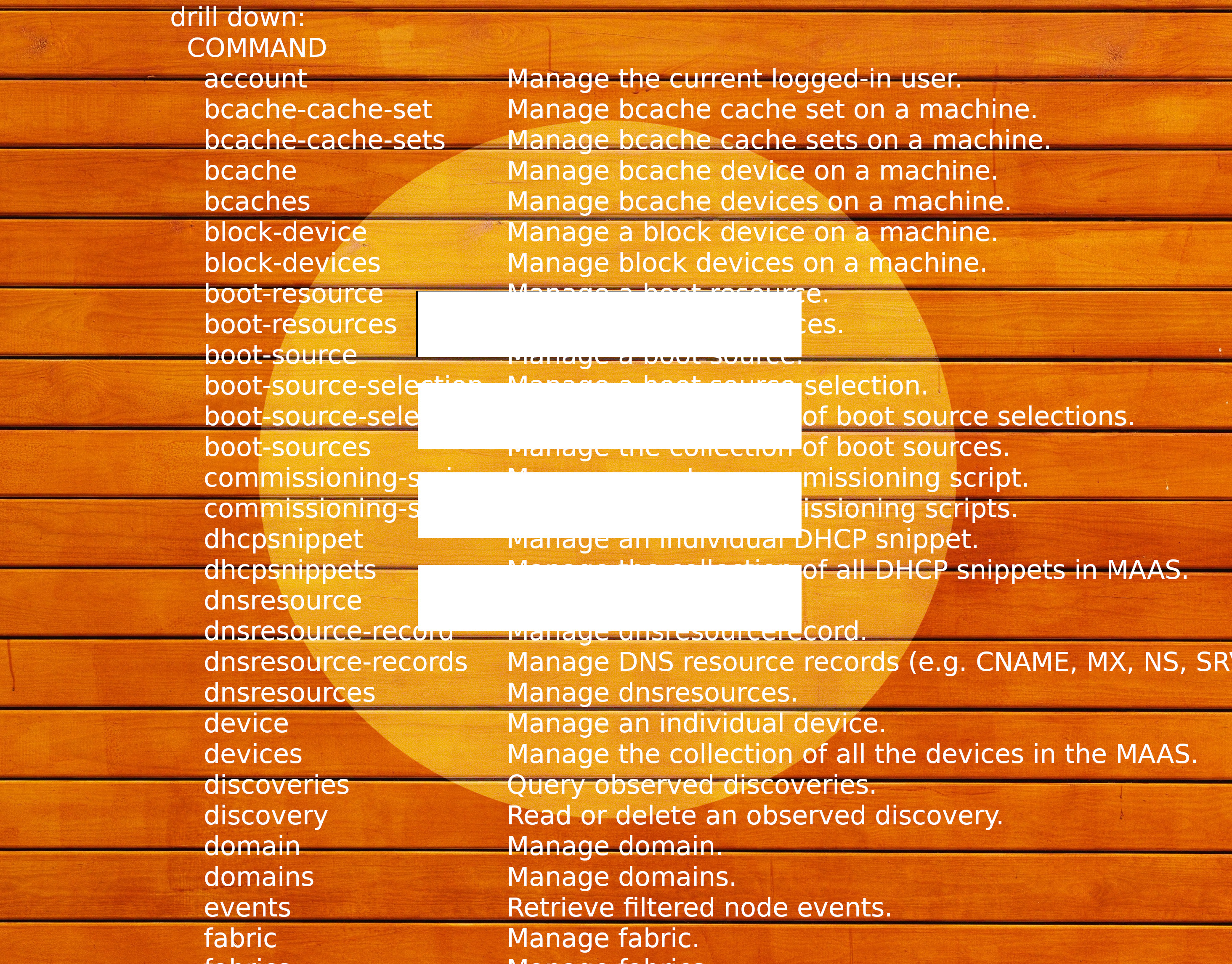
MAAS provides a state-of-the-art User Interface (UI), which is relatively simple to use, if the required inputs are known and understood. You may be less familiar with the MAAS Command Line Interface (CLI), which is actually more robust, providing additional functionality that’s not accessible via the web UI. In this series of blog posts,

As part of the effort to build a flexible, cloud-native ready infrastructure, phoenixNAP collaborated with Canonical on enabling nearly instant OS installation. Canonical’s MAAS (Metal-as-a-Service) solution allows for automated OS installation on phoenixNAP’s Bare Metal Cloud, making it possible to set up a server in less than two minute

Friction points in HPC DevOps Many High Performance Computing (HPC) setups are still handcrafted configurations where tuning changes can take days or weeks. This is because the more you tune and optimise something, the more bespoke and unique it is, and the more unique something is, the lower the chances that things will just work

Newsletter signup

What’s new? This new release of MAAS brings three key new benefits: Virtual machines with LXD (Beta) Tighter, more responsive UX External/remote PostgreSQL database If you know what you want, go to maas.io/install, otherwise let’s dive in and explore these further. Virtual machines (VMs) with LXD (Beta) MAAS 2.8 can set up L XD-based VM

We have been transitioning the web interface for MAAS from AngularJS to React. One of the reasons for this is to make the interface faster. The main page with performance issues is the list of machines. This list needs to be fast at displaying a few hundred machines at a bare minimum. So what happens

A new machine list, and a new framework In MAAS 2.8, we’re shipping a new machine list, built from the ground up in React and Redux. We’ve also implemented a few new features: persisting UI state for grouping, new grouping options, bookmarkable urls with filter and search parameters, and many performance improvements. In my last
The Ubuntu Masters Conference is a platform for IT practitioners to share how they are solving industry-wide challenges with the global engineering community. These are the real-life use cases they are executing in their professional environments today, giving you actionable ideas to take into your own corporate setting. Join us on Thursd
Ubuntu tech blog
Deep dives for developers
Visit the Ubuntu Tech Blog for deep dives into product features, step-by-step tutorials, and the latest updates from Canonical's engineering teams.